
Before choosing an Xtream IPTV player, make sure you have a High-Quality Xtream IPTV Subscription to get the most out of these apps.
This guide is a list of the top Xream IPTV Players ( tested & ranked ) that pair with any device. ( Fire TV, Android and IOS )
If you’ve been using IPTV for a while, you probably know that the app you choose makes a massive difference in how your service actually performs.
There are dozens of players out there, but not all of them handle high-quality streams well.
Below, I’ve Listed down the top choices that actually improve your experience by cutting down on buffering and giving you a much cleaner interface to navigate.
These apps are designed to work with almost any Xtream IPTV provider.
Whether you’re on an Amazon Firestick, a specialized Android TV box, or even a Google TV device, these players will fit perfectly. Some even have dedicated versions for your PC or mobile phone if you want to watch on the go.
One thing to keep in mind: most of these won’t be in the official Amazon App Store.
You’ll likely need to use the “Downloader” app to sideload them onto your device. If you haven’t done that before, don’t worry here is a quick setup guide for each one.
Selecting the right app is mostly down to what you find easiest to use, which is why we’ve included so many options. They all look and feel a bit different, and it’s important to remember that some perform much better than others.
One big thing to look at is the cost. You’ll find plenty of free Xtream IPTV players, while others ask for a small one-time or yearly fee. In my experience, you usually get what you pay for. Investing in a pro-level player is almost always worth it if you want the best performance from your Xtream IPTV subscription.
When you’re trying to decide, keep an eye out for these specific features:
Interface: Is it easy to navigate?
Login Options: Does it support the Xtream Codes API? (This is usually faster than M3U).
EPG Support: A solid TV guide is a must.
Extras: Look for things like recording, multi-screen viewing, and a good “Favorites” manager.
Every ranking here is based on these factors, but we always suggest downloading two or three.
The best way to know what works for your specific setup is always going to be to test them out yourself.
The players we’ve listed are compatible with almost any live TV service out there, including free options that use an M3U link or an Xtream Codes login.
We’ve personally tested these apps on the Google TV Streamer (2026 model) and the Amazon Fire TV Stick 4K Plus to make sure they can handle high-bitrate channels without stuttering or crashing.
If you aren’t using an Android-based box and want to get your Xtream IPTV subscription running on an Apple TV, we have a separate guide for the best iOS and tvOS apps right here.
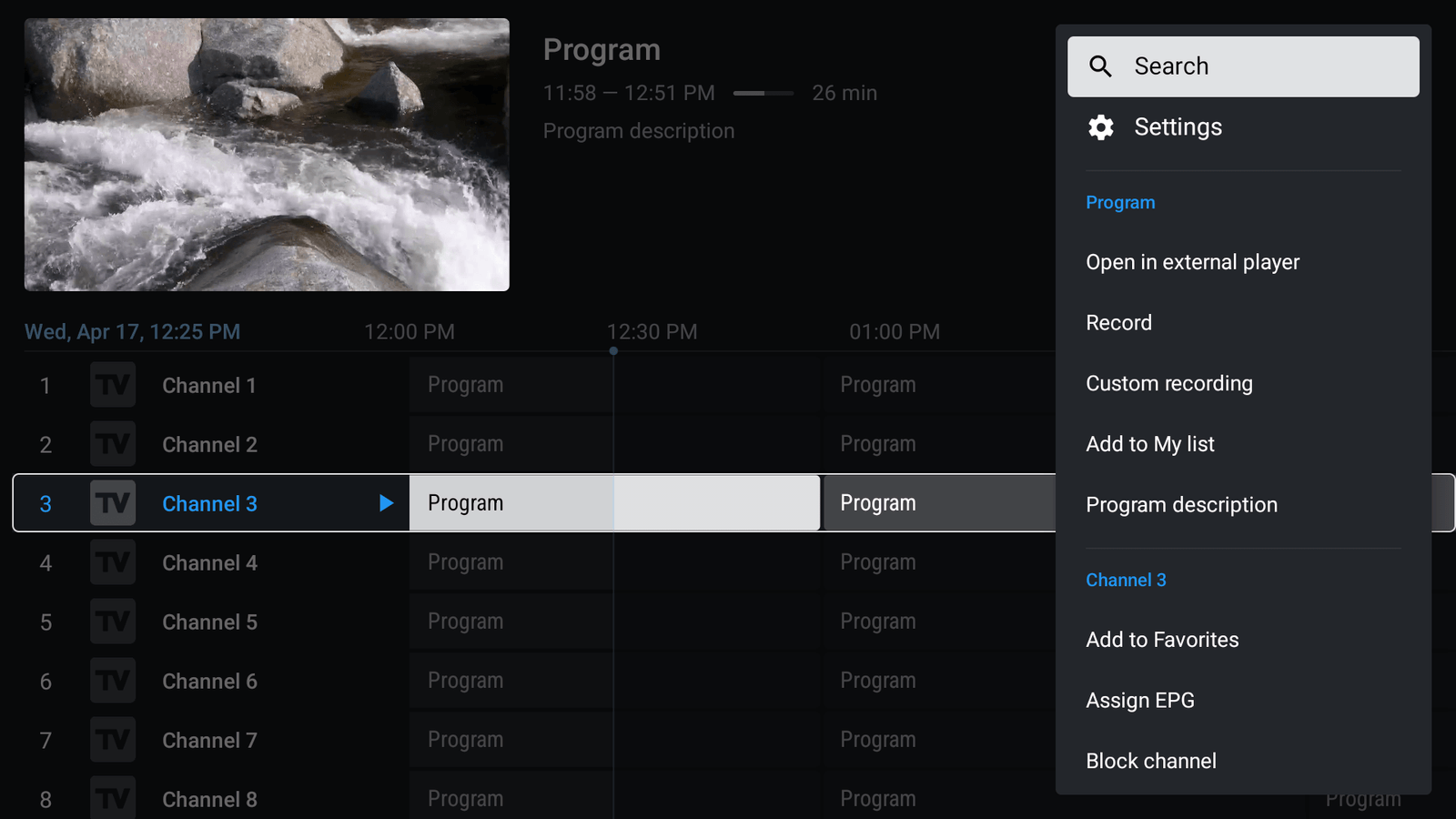
Custom Grouping: Organize your channels exactly how you want.
Manual Sorting: Drag and drop channels into your preferred order.
Auto Frame Rate (AFR): Matches your TV’s refresh rate to the broadcast for smoother sports.
Advanced Recording: Set up one-time or recurring schedules to a local drive or NAS.
Multi-Screen: Watch up to 4 live streams at the same time (perfect for match days).
TiviMate is easily the most popular choice for anyone serious about their Xtream IPTV subscription. It’s built specifically for living room devices like the Firestick and Android TV boxes, giving you an interface that looks and feels like high-end cable satellite gear.
You can start with the free version to test your connection, but if you want the best experience, the Premium upgrade is a no-brainer.
As of 2026, the pricing is roughly $9.99 per year or around $32.99 for a lifetime license.
Without the upgrade, you’re locked out of the best parts of the app, like Parental Controls, Picture-in-Picture mode, and the ability to manage more than one Xtream IPTV playlist. It also unlocks deep customization, letting you change everything from the TV guide transparency to having the app automatically launch as soon as you turn on your TV.
TiviMate doesn’t provide the content—you need to bring your own service. It works flawlessly with the Xtream Codes API, which is much faster and more reliable than using old M3U links.
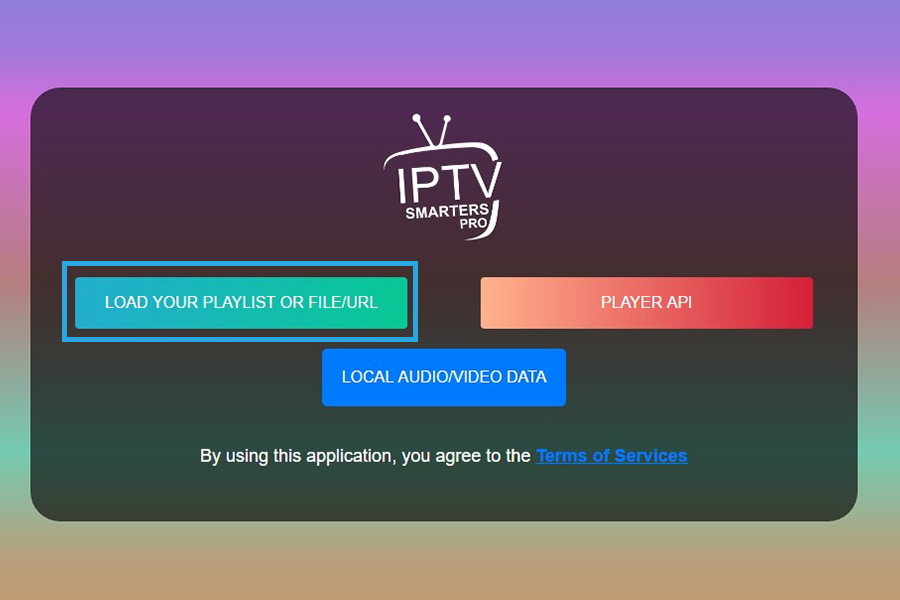
Total Device Support: Works on Firestick, Android, iOS (iPhone/iPad), and even Windows/Mac.
Built-in Speed Test: Check your connection right inside the app to see if your internet is causing buffering.
Master Search: A powerful search tool that finds movies, series, and live channels all in one go.
Multi-Screen: Watch up to 4 channels simultaneously on supported devices.
Offline Downloads: On mobile versions, you can sometimes download VOD content to watch later.
IPTV Smarters Pro has been a staple in the streaming world for years, and for good reason. While TiviMate is the king of the “living room” experience, Smarters is the king of versatility.
If you want one app that works exactly the same on your phone, your tablet, and your TV, this is your best bet for your Xtream IPTV subscription.
One of the unique things about Smarters is its compatibility. While most high-end Xtream IPTV players ignore Roku users, Smarters often has versions (sometimes under different names like “Smarters Player Lite”) that can be found or casted to Roku devices. It’s one of the few reliable ways to get a pro-level interface on that platform.
If you travel a lot, Smarters is the top pick. The mobile interface is touch-optimized, making it much easier to use on an iPhone or Android phone than other players that are built only for a TV remote.
It handles your Xtream Codes API login perfectly, syncing your favorites and your EPG (TV Guide) across all your mobile devices.
Smarters is the perfect “all-in-one” solution.
It’s easy enough for beginners to set up in two minutes but has enough deep settings like external player support (VLC or MX Player) and a “Backup/Restore” feature to satisfy power users.
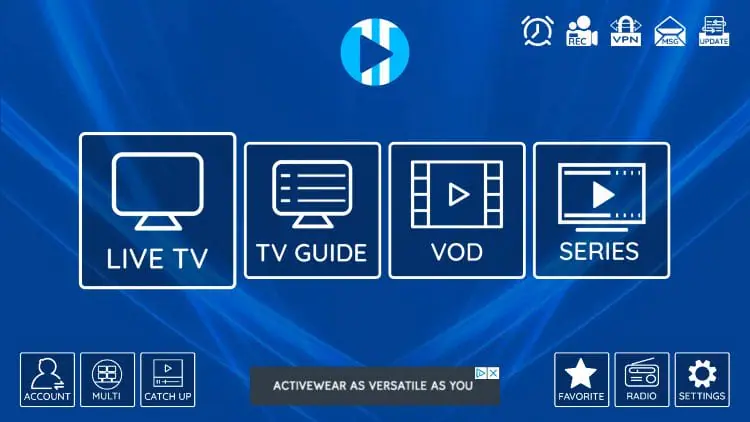
Built-in Players: Uses ExoPlayer and VLC by default, so you don’t need to install anything extra for smooth playback.
IMDb Integration: VOD content automatically pulls in posters, ratings, and descriptions from IMDb.
Lightweight UI: Designed to run fast even on budget devices with low RAM.
Recording & EPG: Full support for scheduled recording and a reliable TV guide.
VPN Support: Easily compatible with most VPN apps for secure streaming.
While TiviMate is for power users and Smarters is for everyone, XCIPTV is the player you choose when you want something that “just works” without any fuss.
It’s one of the most stable Xtream IPTV players on the market, especially for people using older Firesticks or budget Android boxes.
Unlike the cable-box style of TiviMate, XCIPTV uses a large “tile” layout. This makes it much easier to navigate with a simple remote control.
Everything is clearly labeled: Live TV, VOD, Series, and Catch-up. This is usually the best recommendation for clients who aren’t very tech-savvy and just want to get to their channels quickly.
In 2026, XCIPTV remains a favorite because it handles massive playlists without lagging.
If your Xtream IPTV subscription has over 20,000 channels and a huge VOD library, some apps will freeze while trying to load the data.
XCIPTV is built to manage those huge files efficiently, making it one of the most reliable options on our list.
Like the others, it supports the Xtream Codes API, which we highly recommend over M3U links.
You just enter your server URL, username, and password, and the app takes care of the rest.
It’s frequently used by providers as their “official” branded app because the core code is so solid.

Internal & External Players: Choose between the built-in “Advanced” player or link it to VLC/MX Player.
Chromecast Support: One of the few apps that makes casting from your phone to your TV actually stable.
Auto-EPG Updates: The guide refreshes itself every time you open the app, so you never have “No Information” errors.
Recording & Memo Alerts: Set a “Memo” for a live event, and the app will remind you before it starts.
Cloud Backup: Save your entire setup and Xtream IPTV settings to the cloud and restore them on a new device in seconds.
IPTV Extreme Pro is often overlooked because its interface looks a bit “old school” compared to TiviMate, but don’t let that fool you.
This is a powerhouse for stability.
If you have a massive Xtream IPTV subscription with thousands of channels and VODs, this app is built to index them without slowing down your device.
The best part about the Pro version is the control it gives you.
You can change the “Picons” (channel logos) size, adjust the EPG time offset if your guide is an hour off, and even set the app to “Auto-start on boot.”
This means as soon as you plug in your Firestick, your TV channels are already loading
This app handles Xtream Codes API perfectly.
I always recommend using the API login over M3U because it keeps the VOD categories much more organized.
It also has a built-in “Parental Control” feature that is very easy to lock with a pin great if you have kids at home and want to hide certain categories.
IPTV Extreme Pro is the “workhorse” of Xtream IPTV players.
It might not be the prettiest app on the list, but it’s arguably the most reliable when it comes to long-term streaming and recording.
If you want a player that doesn’t crash during a big game, this is it.
While Firestick and Android get most of the attention, there are some high-end Xtream IPTV players for Apple TV and iPhone that actually look better than their Android counterparts.
Apple’s hardware (like the Apple TV 4K) is extremely fast, so these apps usually run without a hint of lag.
Here are the top picks for your Xtream IPTV subscription on iOS and tvOS for 2026:
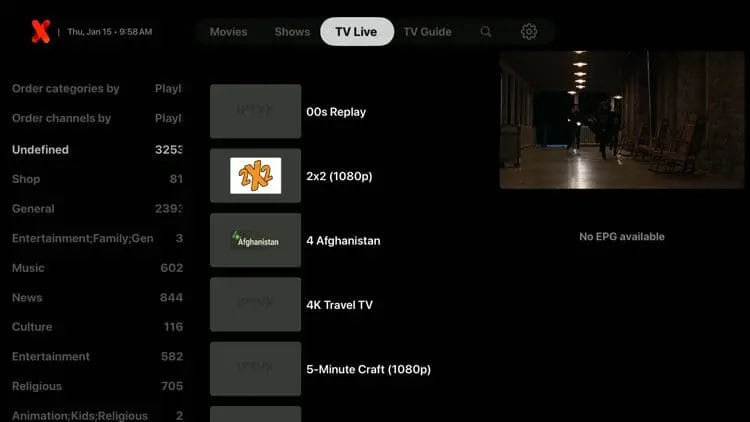
If you want your IPTV to look like a professional streaming service, this is it.
It’s designed specifically for the Apple ecosystem.
Why it’s top-tier: It uses an automated system to organize your movies and shows into a beautiful, Netflix-style layout.
Best Feature: It syncs across your iPhone, iPad, and Apple TV via iCloud. If you start a movie on your phone, you can finish it on your TV exactly where you left off.
Setup: Fully supports Xtream Codes API. Just log in, and it builds your library automatically.
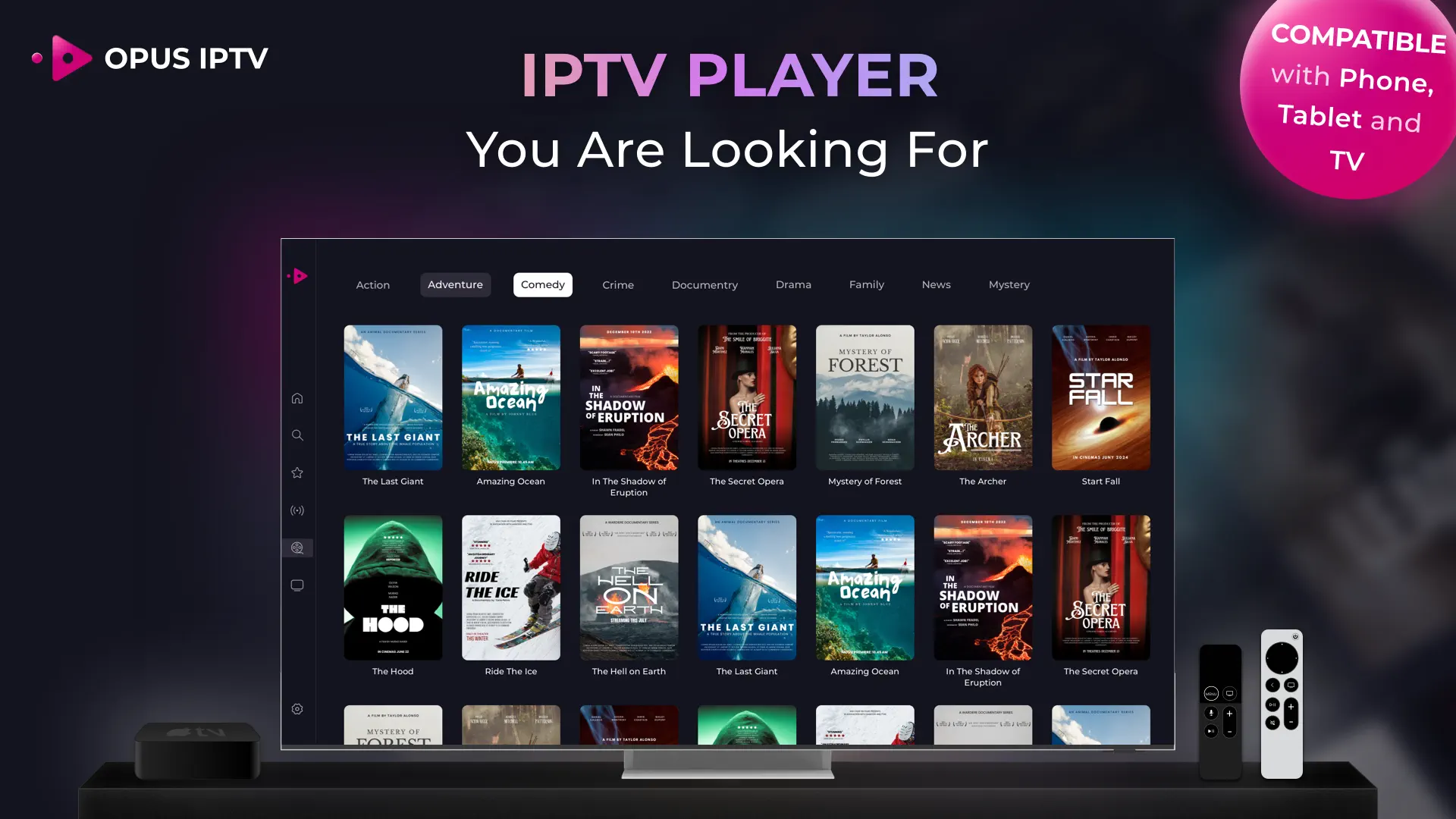
Opus is one of the most stable and frequently updated players on the App Store right now.
Why it’s top-tier: It’s incredibly clean and fast. It doesn’t have the “clutter” that many other apps have.
Best Feature: It has excellent support for subtitles and multiple audio tracks, which is great for international channels.
Expert Tip: It’s a “cross-platform” app, meaning it’s optimized for the latest Apple Silicon (M1/M2/M3) if you want to watch on a Mac as well.
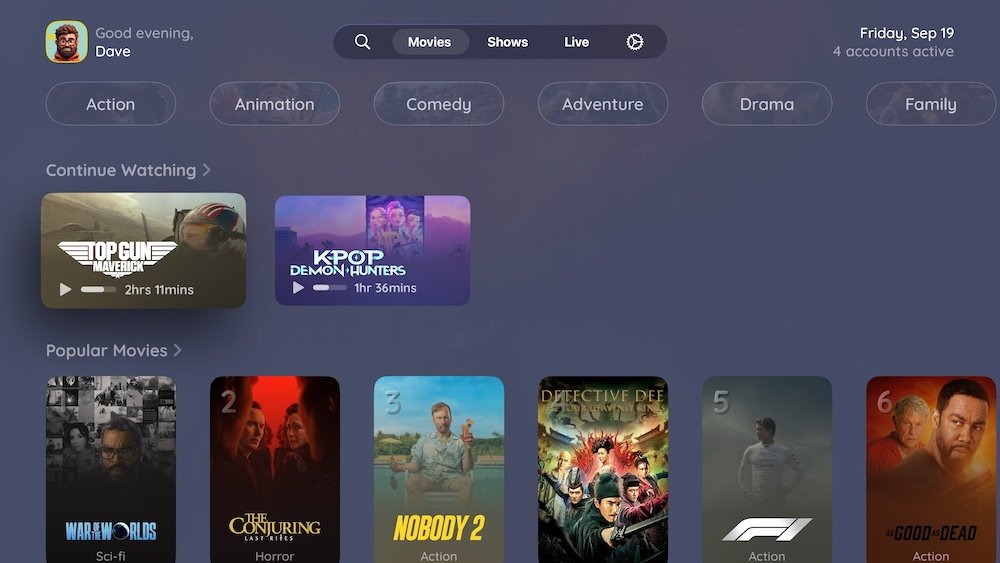
UHF is rapidly becoming the favorite for people who used to love TiviMate on Android but moved to Apple TV.
Why it’s top-tier: It offers a “cable-box” style interface that is very easy to navigate with the Apple TV Siri remote.
Best Feature: It has a unique “UHF Server” capability that allows for advanced features like scheduled recording and even commercial detection on certain streams.
Setup: Works perfectly with your Xtream IPTV login credentials.
Smarters is still the go-to for many because it’s free and familiar.
Why it’s top-tier: It’s the easiest app to get running in under 60 seconds.
Best Feature: It includes a built-in VPN and a speed test, which is helpful if you’re trying to figure out why a channel is buffering on your iPhone.
Note: The “Lite” version in the App Store is often more up-to-date than the older “Pro” versions.
When Xtream IPTV users come to us for setup tutorials that we have not coverd yet in our Wwebsite, we always recomand our favorite free resource! TroyPoint
we would like to thank him for keeping all this knowledge for free. I will list down the best tutorials for these apps!
Troy Point IPTV Apps
An Xtream IPTV player is an application that allows you to stream live TV, movies, and series using the Xtream Codes API. Unlike basic players that use long, messy M3U links, these players use a simple username, password, and server URL to connect. This method is much faster and keeps your channel list and EPG (TV guide) better organized.
No. These are just the “players” or the engines. You need to have your own Xtream IPTV subscription from a provider to actually watch anything. Think of the player like a DVD player and your subscription like the DVD—you need both for it to work.
Buffering usually happens for two reasons: a slow internet connection or ISP throttling. First, run a speed test within your player. If your speed is fine but you’re still lagging, your internet provider might be slowing down your IPTV traffic. Using a VPN is the easiest way to fix this.
This depends entirely on your provider. Most basic plans only allow one connection at a time. If you try to log into a second device, your stream might freeze or get blocked. If you want to watch on your phone and your TV at the same time, make sure your subscription plan supports “Multi-room” or “Multiple Connections.”
If you want the best look, go with IPTVX. It makes your channels look like Netflix. If you want something simple and free, IPTV Smarters Lite is the most popular choice on the Apple App Store for 2026.
Most high-end Xtream IPTV players aren’t in the official Amazon App Store. You’ll need to download the “Downloader” app from the Amazon Store, then enter the specific “Downloader Code” or URL for the player you want to sideload. It only takes about two minutes.